Sovereign AI is a governed AI platform: chat, agents, multi-agent swarms, and automations, running on infrastructure dedicated to you, in the region you choose. It is built for organizations that want the leverage of AI without handing their data, their spend, or their judgment to a black box.
What it does for your day
- →Answers you can act on. Chat is wired to the best model for each job, grounded in your own documents and systems, and replies show their sources. Ask for a comparison and you get a live chart; ask for a financial model and the numbers come back as a filed document, not a wall of prose.
- →Work you can delegate. Describe an outcome in one sentence and a swarm composes a team of agents that plans it, builds it, and proves the result against your definition of done before calling it finished. Not vibes: verified.
- →Jobs that run without you. The Monday report, the vendor review, the support-queue triage: build it once as a flow and it runs on schedule, pauses where a human should sign off, and keeps a trace of what actually happened.
What it does for the company
- →Your data stays yours. Every user gets a dedicated AI instance pinned to your chosen region. Conversations, documents, and models never leave your jurisdiction.
- →Nothing expensive happens on momentum. Plans wait at approval gates, risky tool calls raise approval cards, and swarms show you an honest cost estimate before they run. Humans stay in the loop by architecture, not by promise.
- →Everything leaves a receipt. Who approved what, which models ran, what it cost: the audit trail is a record you open, not a memory you argue about.
Your first sitting, in order
- 1Your first governed conversation: sign in, make the app yours, and see chat produce charts, documents, and images under policy.
- 2Launch a swarm from a sentence: compose a crew, set the definition of done, read the receipt, launch.
- 3Automate a recurring job: build a flow with human checkpoints and a run history you can trust.
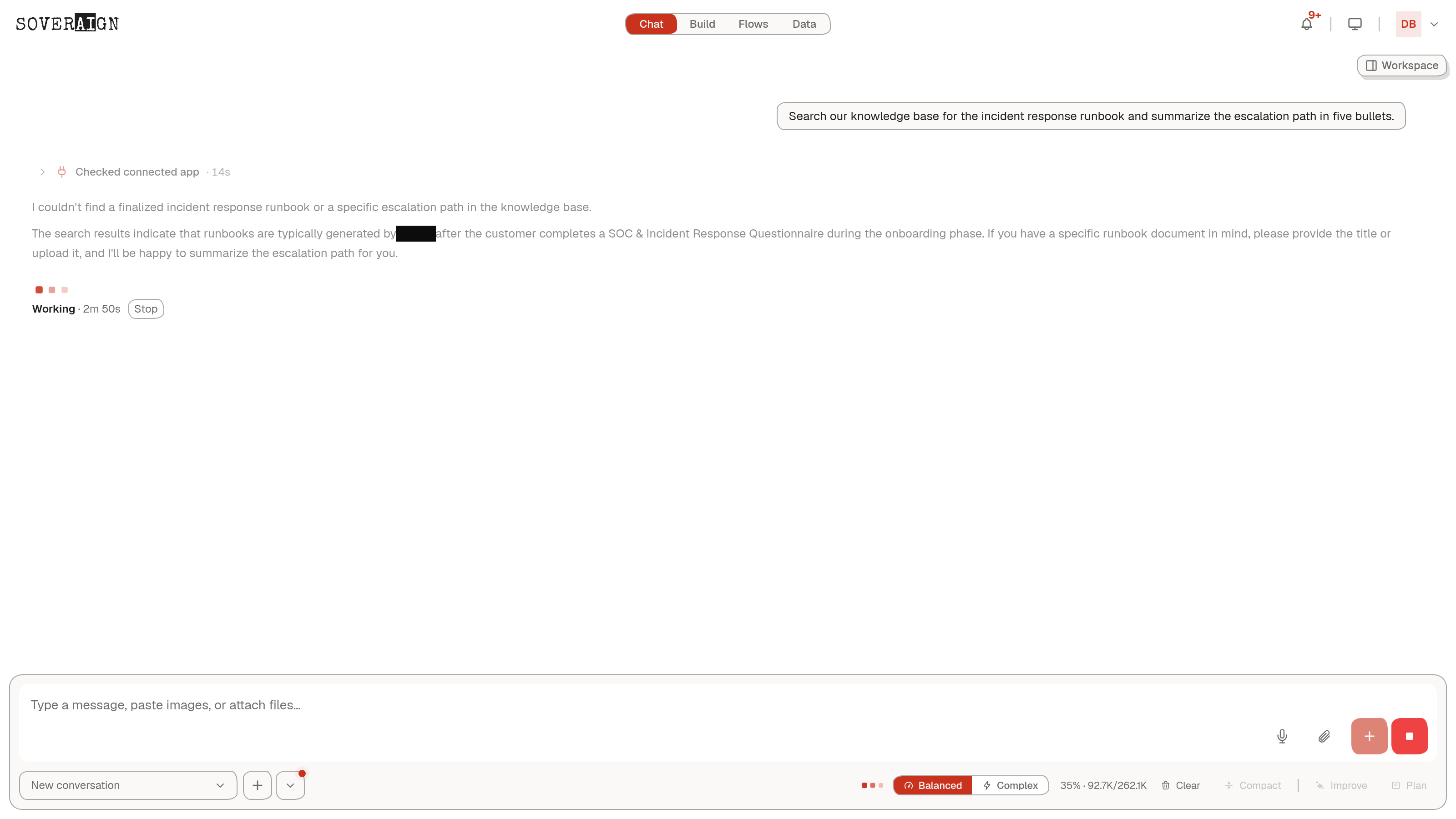
- 4Ground answers in your knowledge: connect your documents and systems so answers come from your ground truth.
We are here to help
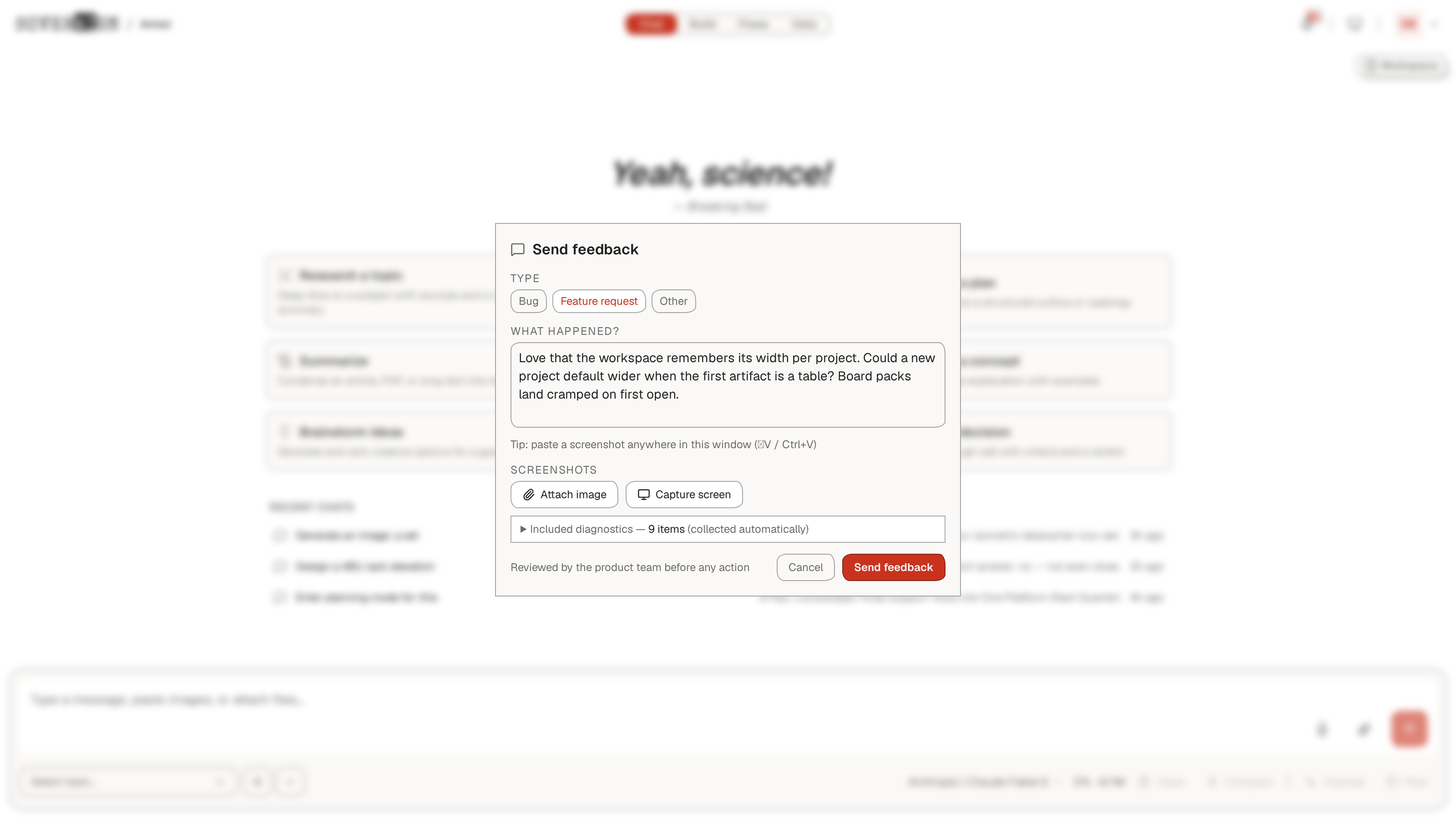
Feedback is a first-class control, not a mailto link. Open the account menu in the top right and choose Feedback: tag it as a Bug, Feature request, or Other, describe what happened, and attach evidence - paste a screenshot straight into the window or use Capture screen. The report carries a small diagnostics bundle collected automatically, so the product team sees what you saw, and every submission is reviewed by the product team before any action.
Your organization admin controls which features are enabled for you. If a control described here is missing, ask your admin which access group you are in.