The routing engine
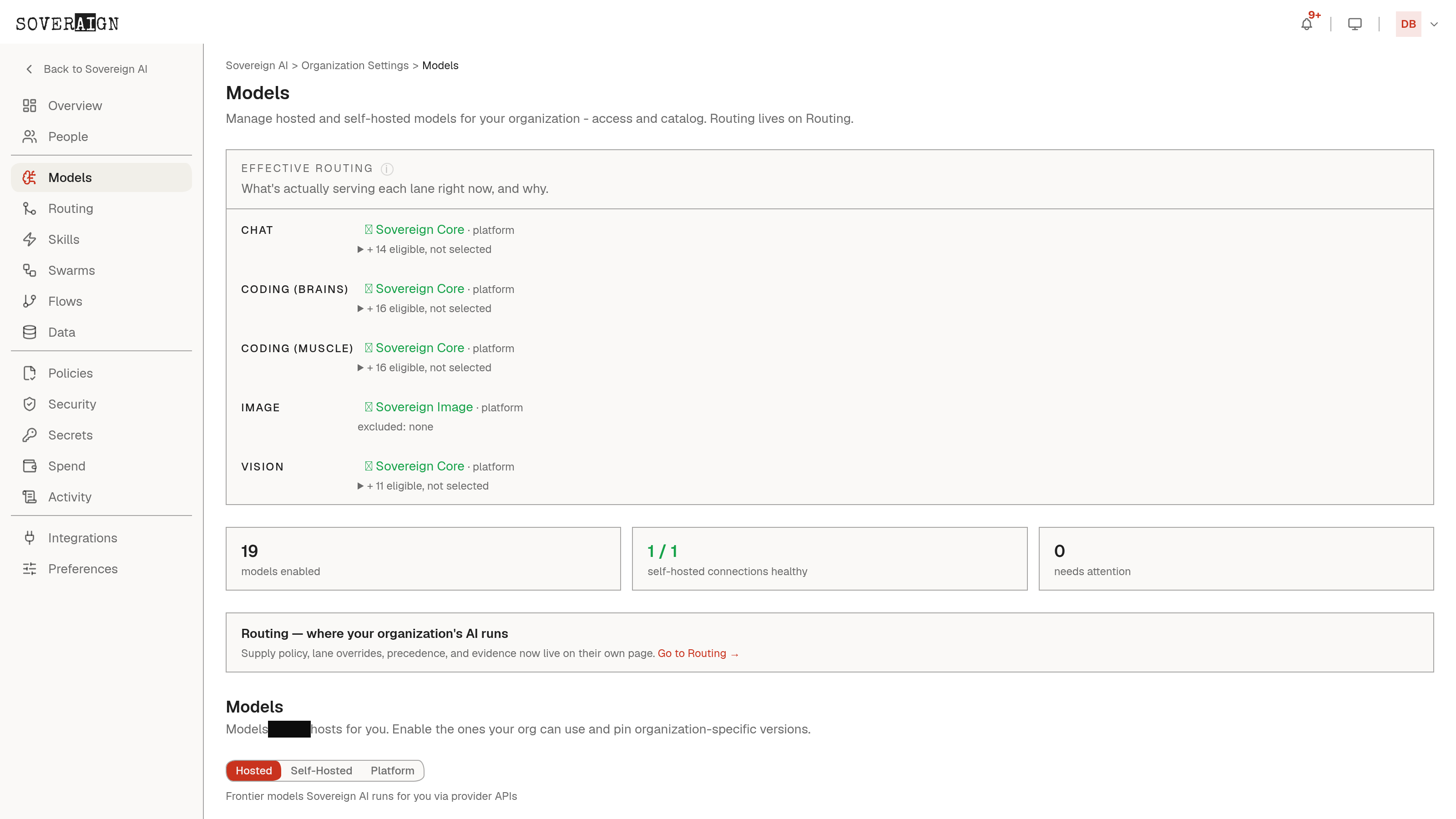
The page opens on a live view of the routing engine itself: enabled models grouped by provider and tier (Premium, Standard, Economy), each with a health indicator and its current position in the Auto resolution chain. This is the same chain the Roles editor prints as a receipt, so what an admin configures here is exactly what a role left on Auto actually gets. Moving a model out of the Auto chain here stops every role on Auto from silently routing to it, so a bad model swap does not reach production traffic org-wide.
Shadow and failover
Beyond simple enable and disable, the page exposes shadow routing (send a fraction of live traffic to a candidate model without switching production over) and failover targets (which model takes over automatically when the primary is unreachable). Both keep a model swap from being an all-or-nothing bet.
Org-wide Complex access - whether the org has switched on higher-tier models for everyone by default - is also managed from this page; per-person and per-group overrides live on the Users and Access Groups pages instead.