General
Organization name and billing email live here, alongside the org ID used in support and API contexts.
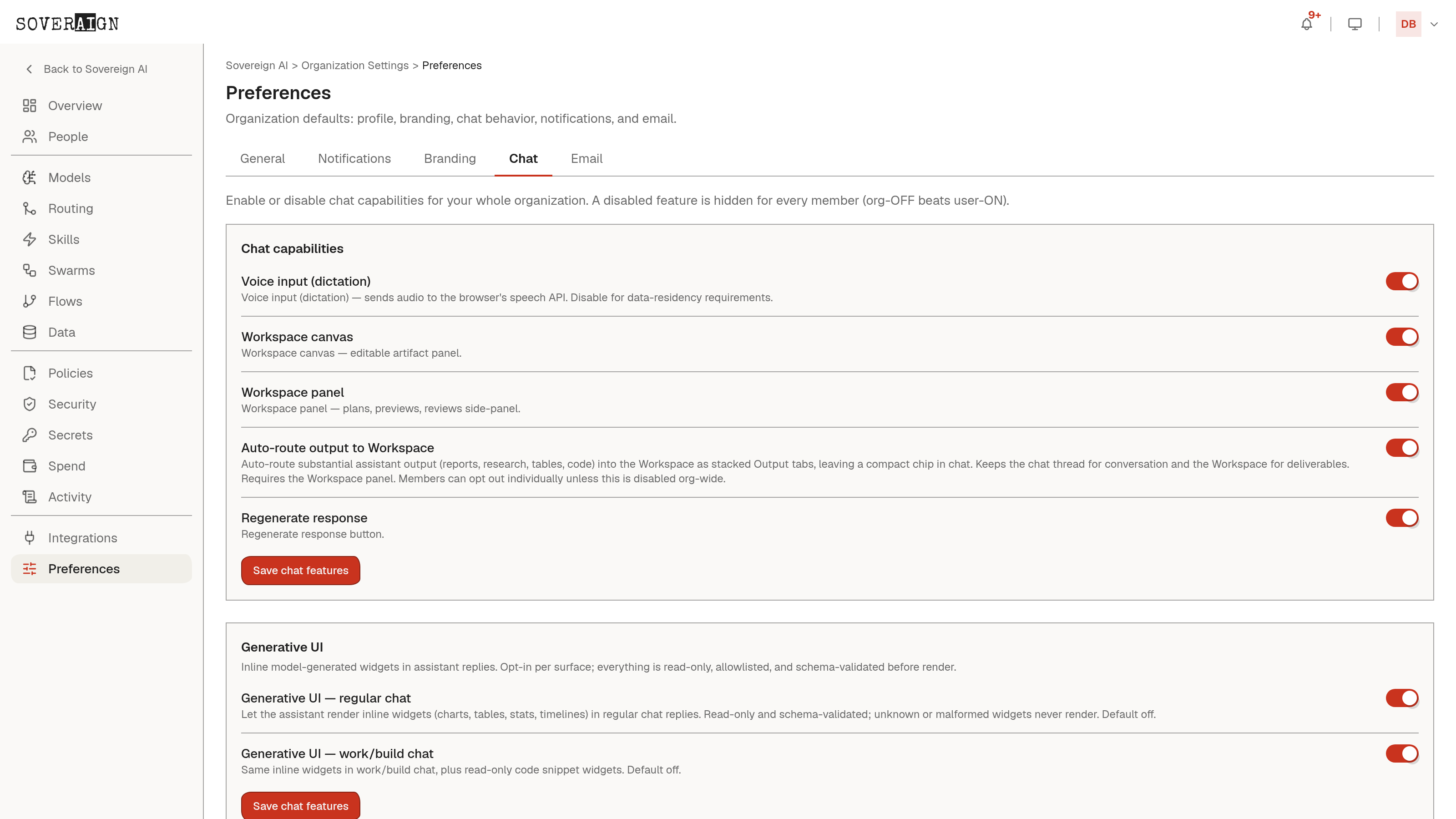
Branding
- →Company logo: replace the Sovereign AI logo in the header for everyone. Horizontal marks only - the header never grows. PNG, JPG, or WebP up to 4 MB, transparent background recommended.
- →Header name: show the "/ name" wordmark alongside the logo, or logo only for icon-style marks.
- →Header background: Match theme follows each user’s light/dark choice, or pin a Brand color so the header bar stays fixed in both themes while the rest of the app still follows the user’s theme.
This is the same brand skill referenced in the Skills chapter, so a logo update here is what keeps every agent’s output on-brand without re-uploading assets per agent.
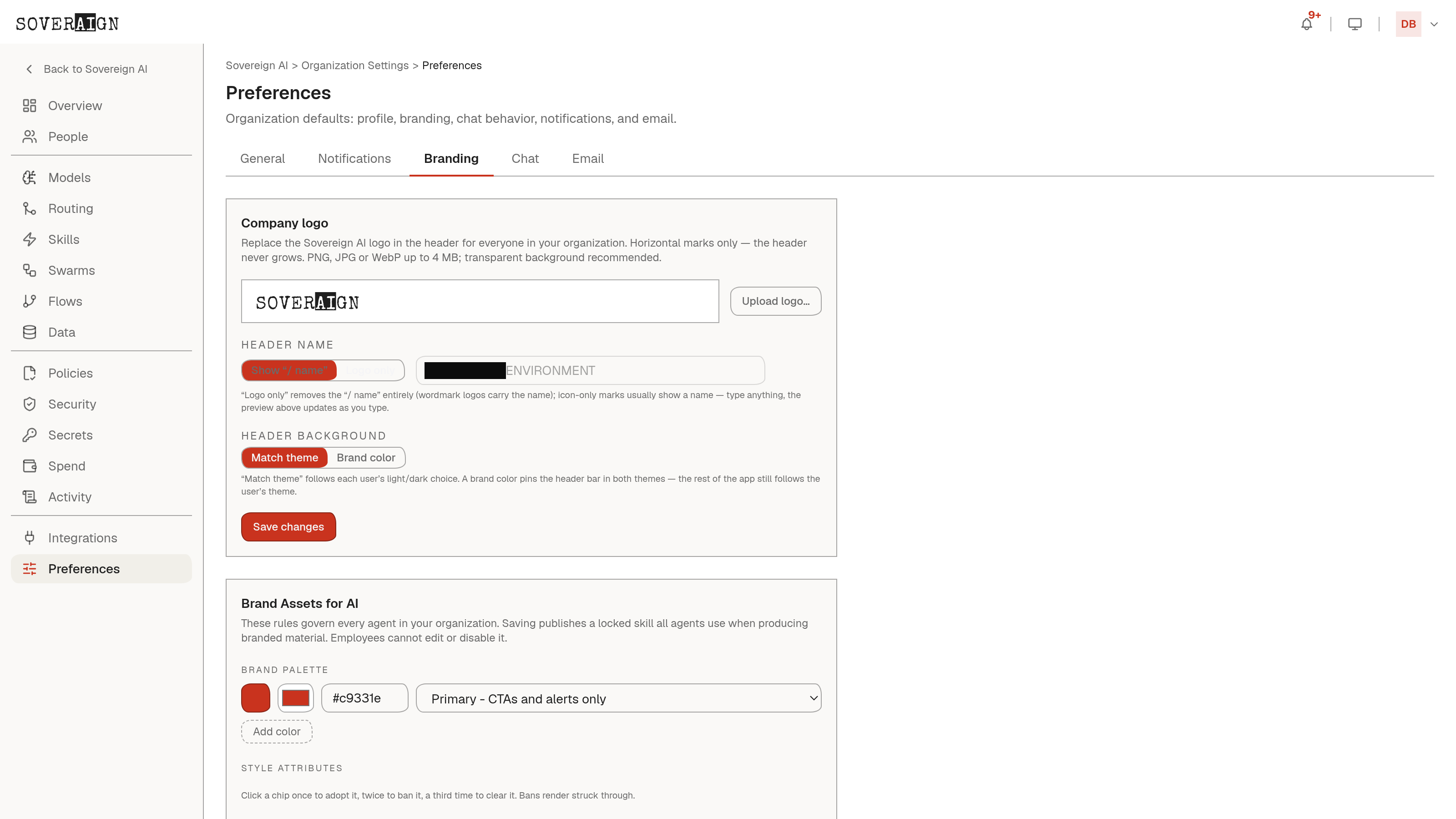
Chat, Notifications, Email
Chat sets org-wide defaults for chat behavior (the same feature flags referenced in the Chat chapter: Workspace panel, auto-routing, voice input, and the editable canvas). Notifications and Email set org-wide notification and outbound-email defaults respectively, distinct from the per-user notification preferences a member sets for themselves. Setting these once here means every new member starts with the org’s intended chat behavior instead of an admin manually configuring flags per person.