Opening the catalog
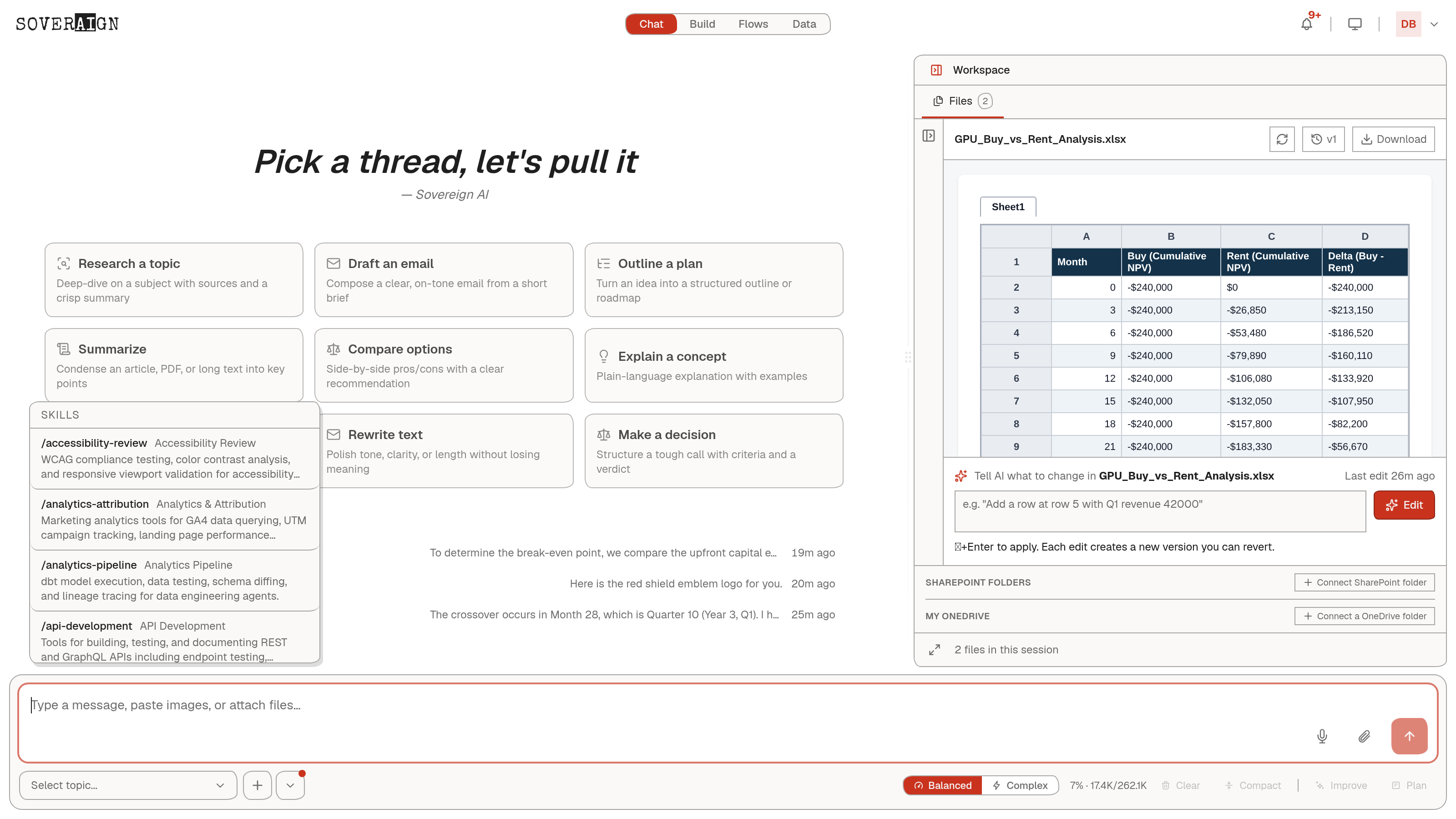
Click Add skills from the composer’s attachment control, or type / directly, and a Skills popover opens above the message box: a scrollable, alphabetical list, each entry showing its slug, a short title, and a truncated description of what it actually runs.
What is in it
The library runs to roughly 65 skills at last count, spanning security (AWS/Azure/container/code security, threat intelligence, compliance reporting), engineering (API development and documentation, CI/CD, code quality, container orchestration, data pipelines), content and marketing (analytics and attribution, content strategy, social media management, brand compliance), and specialist one-offs like contract analysis and vendor assessment. Each entry is a real, runnable capability, for example WCAG compliance testing and color contrast analysis under Accessibility Review, or GitHub Actions linting and Dockerfile linting under CI/CD Pipelines.
Picking one
- 1Type / in the composer, or click Add skills, to open the popover.
- 2Scroll or type to narrow the list to the slug or title you want.
- 3Select it. The skill’s tools and instructions load into context for that turn, the same way a role’s skill pack does when a swarm agent carries one.
- 4Send your message. The agent now has the skill’s specific commands available for the task, on top of its general capability.
Skills versus roles
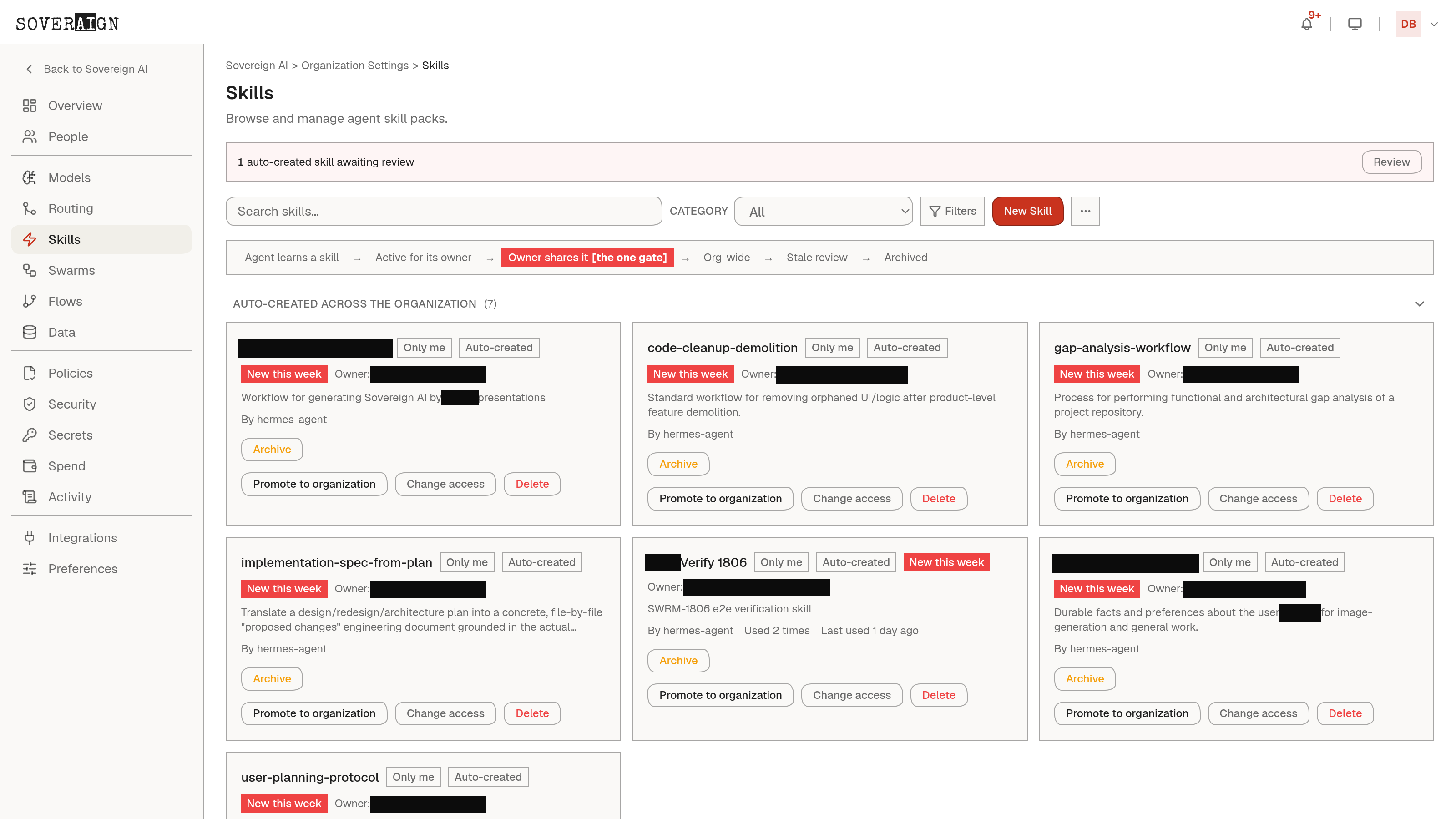
A role is a job description; a skill is a toolbox entry a role can pick up. The Agents admin page shows skill badges on role cards precisely because roles carry curated skill packs by default. The composer’s catalog is the same underlying library, available to reach for directly in any chat, not only through a pre-assigned role.
The catalog reflects what your org has enabled. If a skill you expect is not in the list, check with your admin: skill availability is curated at the org level, the same as models and connected apps.