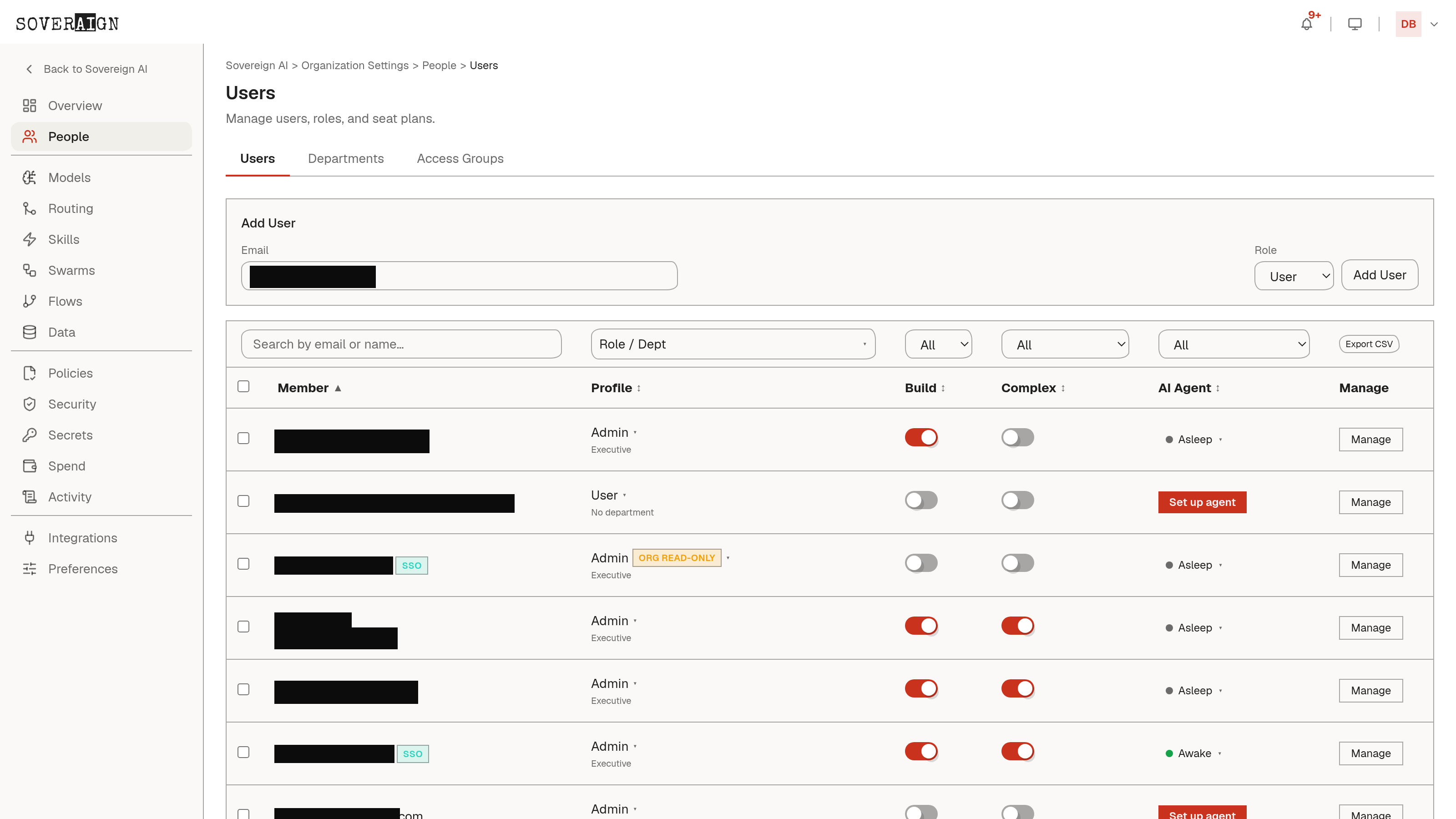
Organization Settings is the admin home. The left rail is organized into sections: People for users, departments, access groups, and SSO; then your AI configuration - Models, Skills, Swarms, Flows, and Data; then Policies, Security, Secrets, and Spend for governance and budget controls; Activity for the audit and agent log record; and Integrations and Preferences for external connections and org-wide feature settings.
The three jobs
- →Let the right people in: SSO against your identity provider, roles and seats managed in bulk, access groups gating which sources and features each group reaches.
- →Wire the outside world safely: catalog apps with per-tool permission modes (always allow, needs approval, blocked), and a write-only vault for provider and ERP credentials.
- →Keep the spend honest: metered usage in the open, spending caps with warning thresholds, department budgets, and per-role cost estimates before any swarm runs.
Every admin action lands in the audit log like everything else. Administration is governed, not exempt.