Why gates exist
The cheap place to catch a wrong direction is before the build, not after. Plan gates put a human decision between "the AI proposed something" and "agents are spending money on it", and every decision along the way is persisted, so the record of what was agreed survives the conversation that produced it.
The plan approval bar
When a planning turn produces a plan document, a decision bar labeled Plan Proposed appears directly above the composer. It shows whether the Plan panel is open or closed, with an Open plan control so the gate is always usable, and every action saves the plan into the project first: a plan is never lost.
- →Revise: your next message becomes revision feedback and rewrites the plan in place. Each revision is a tracked version; the panel exposes the full version lineage and older versions can be restored non-destructively.
- →Accept: saves the plan as the agreed version and pauses. Not terminal: you can reopen and revise it later. No build, no spend.
- →Build with Swarm: saves the plan, then opens the swarm builder prefilled with the plan as the task and its recommended template selected. It does not auto-spawn; you launch from the builder, behind its own receipt and cost estimate.
- →Generate tasks: pushes the plan’s structured steps onto the project task board. Re-pushing updates the existing cards instead of duplicating them.
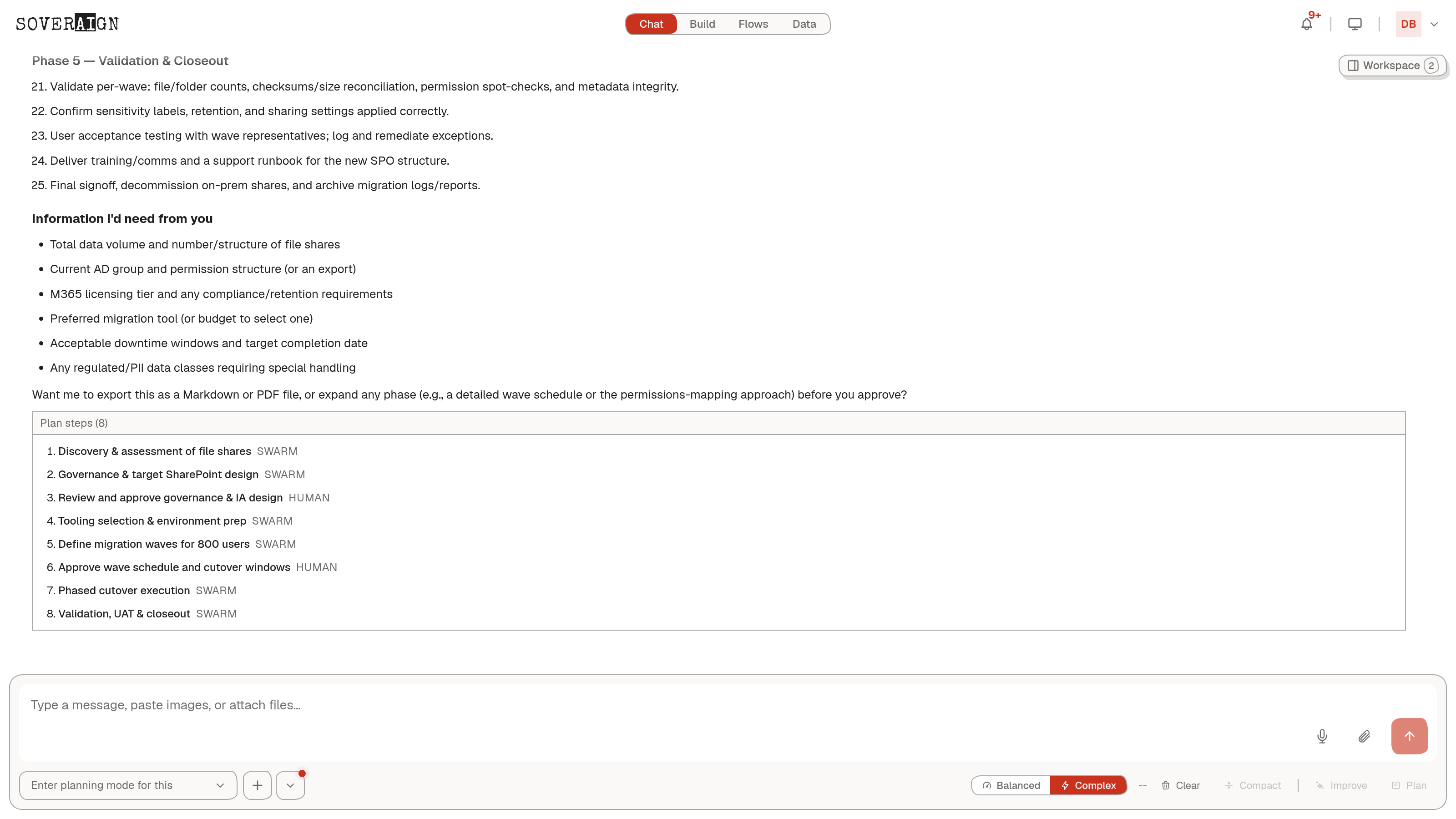
The Plan panel
The plan itself lives in the Workspace panel beside the chat, as a document, not a chat message. The Plan tab keeps the project’s plan library: every plan produced in this context, newest first, each opening into the full document. The panel invites markup: select any text to leave a comment. The Actions menu exports the plan as Markdown, PDF, or Word for the meeting where it gets argued, Edit and Improve rewrite it in place, and History carries the version lineage. The plan is an artifact your team works ON, not a wall of chat someone has to scroll back through.
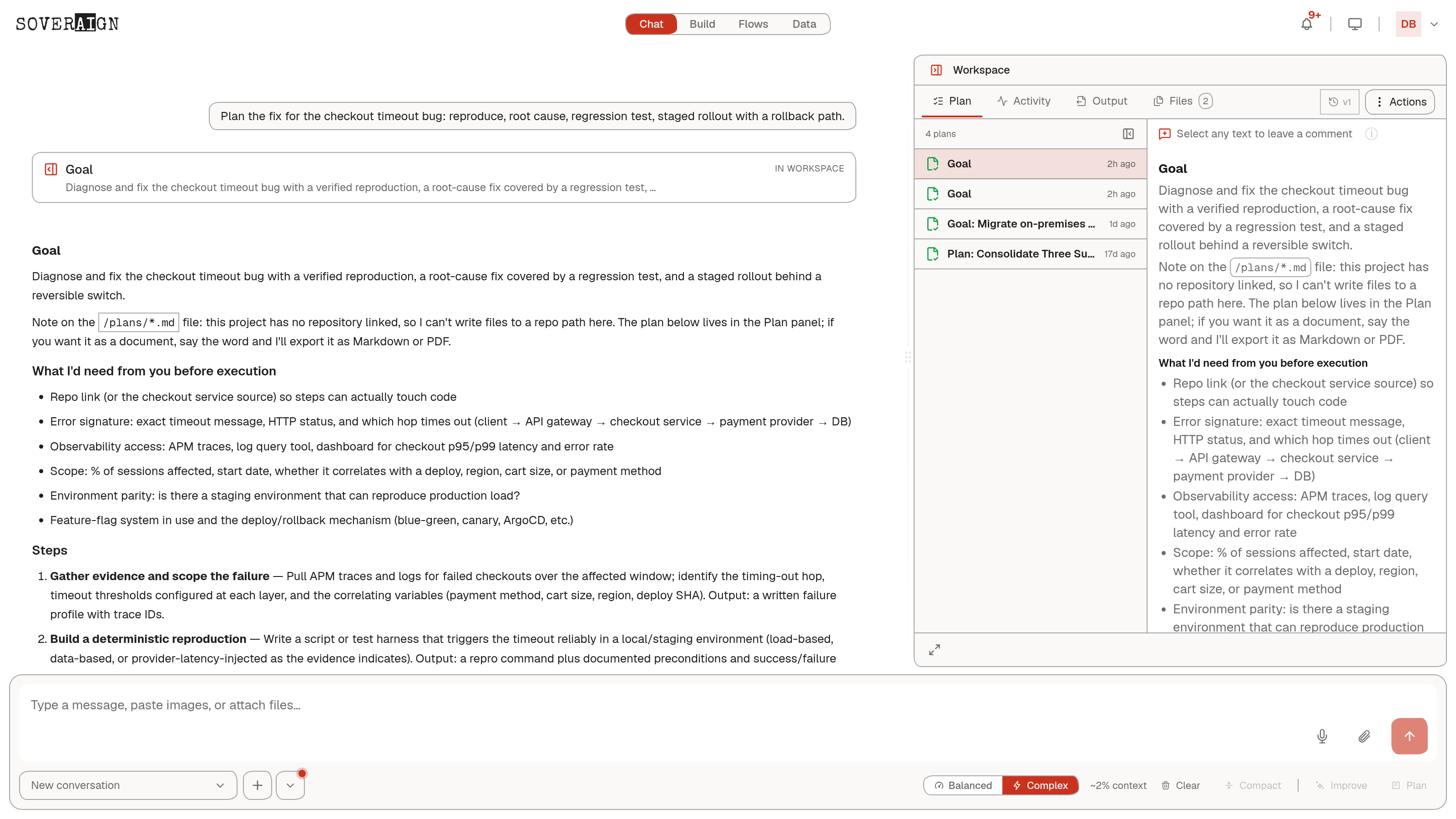
Comments block the gate
You can leave inline comments on the plan document. While any comment is unresolved, the plan is not settled: Accept, Build with Swarm, and Generate tasks are all blocked, and the bar shows a comment count with revise to continue. Revise is the only forward path, and it carries the comments back to the agent so the rewrite actually addresses them. A half-agreed plan cannot be pushed into a build.
Dismiss is not delete
Dismiss clears the bar and unblocks the composer, nothing more. The plan stays saved in the Plans tab and re-arms the gate when reloaded. After Accept, the bar relabels to Plan accepted and stays visible with Revise and Build still reachable, because accepting a plan should not bury the button that builds it.
Gates during a swarm run
A launched swarm carries its own pause points, rendered on the swarm progress card you are already watching:
- →PM Decision Gate: the run pauses at the architecture phase with the PM’s proposed acceptance criteria. You review them as an editable checklist: uncheck a criterion to drop it, edit it in place, or add your own, then approve. Or reject with a correction and send the plan back. The run polls indefinitely until someone decides; it cannot time out into execution.
- →Approval required: the general human-in-the-loop gate. When a run is configured to require it, the executor pauses fail-closed until someone approves or rejects. Approve & continue resumes the run; Reject stops it, with an optional reason. The server enforces tenant and role checks, so a user without approval rights cannot release the gate even from a tampered client.
Both gates record who decided, what they changed, and when. A resolved PM gate shows the approver and timestamp in place of the editor, so the next person who lands on it sees the decision, not a mystery.
Fail-closed is the design, not an accident: a gate with no decision holds the run. If a swarm looks paused, check its progress card for a waiting gate before assuming it is stuck.