What it is right now
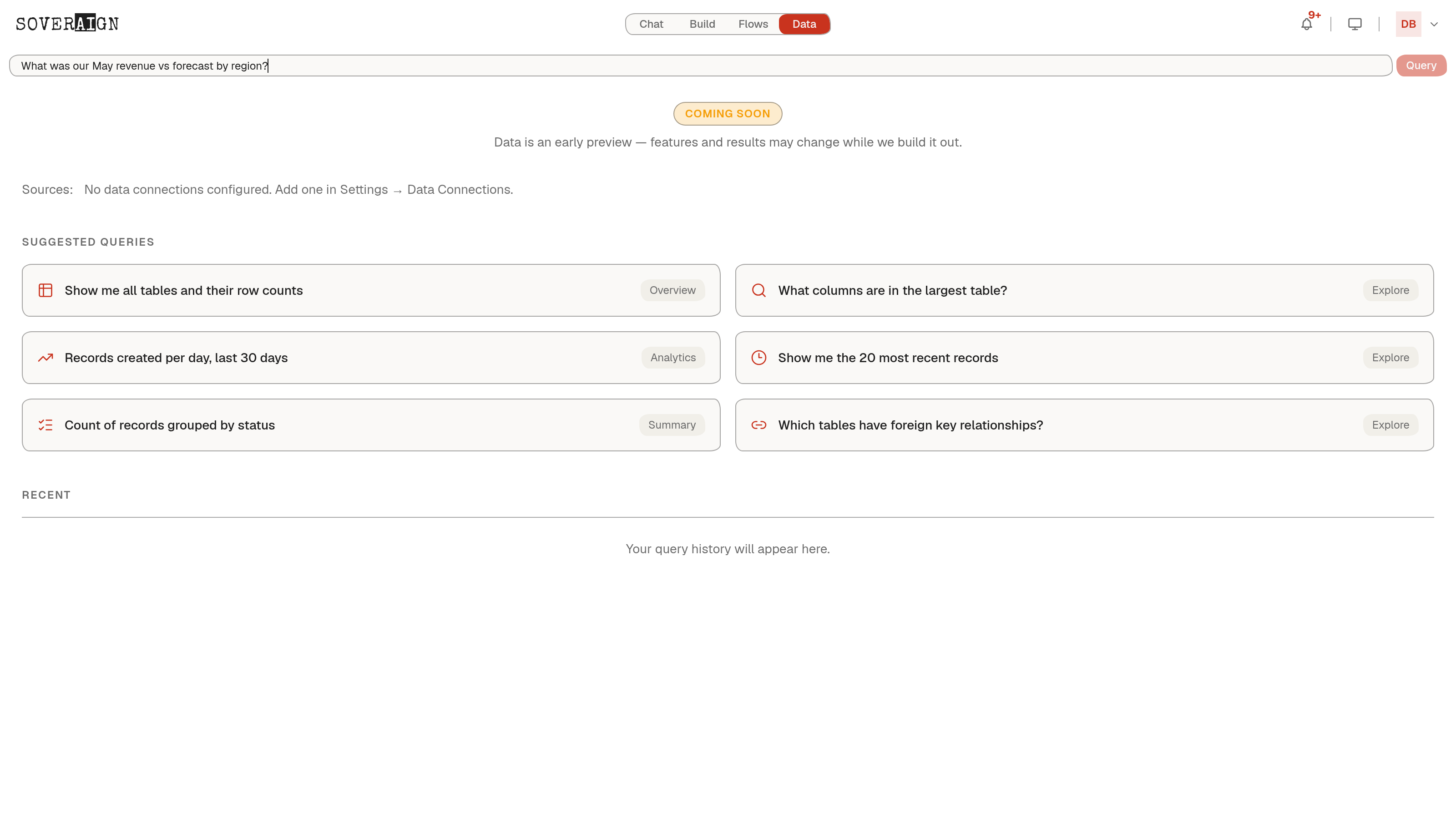
Open the Data tab and you get one query box, a Coming Soon badge, and a plain statement of where things stand: features and results may change while the platform builds it out. That label is accurate, not a placeholder to be quietly dropped later - treat any answer from Data as a preview, not a finished report.
Sources come first
Before Data can answer anything, it needs something to query. The page states this directly: no data connections configured, with a link straight to Settings, Data Connections. Nothing about the query box works as a demo of imaginary numbers; it is built to run against your actual connected sources, once you connect them.
Suggested queries
A set of example prompts sits below the query box so you know the kind of question this surface is for once sources are live: an overview of every table and its row count, which columns exist in the largest table, records created per day over the last 30 days, the most recent records, records grouped by status, and which tables carry foreign key relationships. These are prompts to try, not features that exist independent of a connected source.
Recent queries
A Recent panel is reserved for your query history once you start asking questions. Until then it reads plainly: your query history will appear here.
Data is genuinely early. If you need governed answers over your own tables today, connect the source through Knowledge & Data and ask in Chat, where retrieval is already wired end to end. Data is where that same question gets a dedicated, structured surface as it matures.